
QuickBooks Payroll Errors can disrupt paycheck processing, tax calculations, payroll updates, and employee payments. The reason behind these problems can be outdated software, incorrect payroll settings, damaged files, connection failures, or subscription issues. Many codes of errors are generated by QuickBooks in case of payroll issues. In some cases, these problems relate to payroll updates, while in other cases, they are associated to payroll transmission or incorrect paycheck calculation.
What Are QuickBooks Payroll Errors?
QuickBooks payroll errors can occur in the process of payroll update, paycheck creation, tax calculations, or payroll data transmission. Different causes of errors are determined depending on the type of error and operations that cannot be performed.
Some problems are related to QuickBooks Desktop because of issues with local software or Windows configuration. In other cases, payroll subscription, Internet connection, tax table, or data about employees can cause problems with payroll updates.
Most Common QuickBooks Payroll Errors
QuickBooks uses several error codes to identify specific payroll problems. Some codes relate directly to payroll updates, while others affect payroll processing and data transmission.
QuickBooks Error PS033
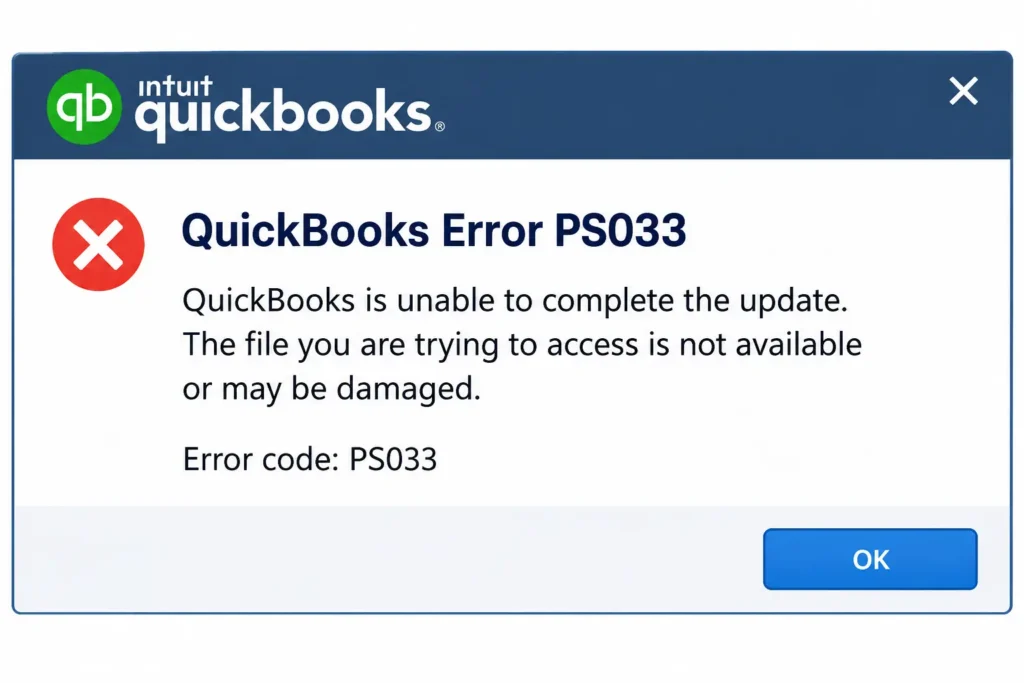
- QuickBooks Error PS033 commonly appears when payroll updates cannot download correctly
- Intuit identifies incorrect internet settings, firewall restrictions, and damaged CPS files as possible causes
- Verify the payroll subscription status through the Manage Service Key option
- Confirm that the service key matches your active payroll subscription
- Register QuickBooks if the product shows an inactive status
- Update QuickBooks Desktop before downloading the latest payroll tax table
- Run Quick Fix my Program when regular update steps do not resolve PS033
QuickBooks Error PS032
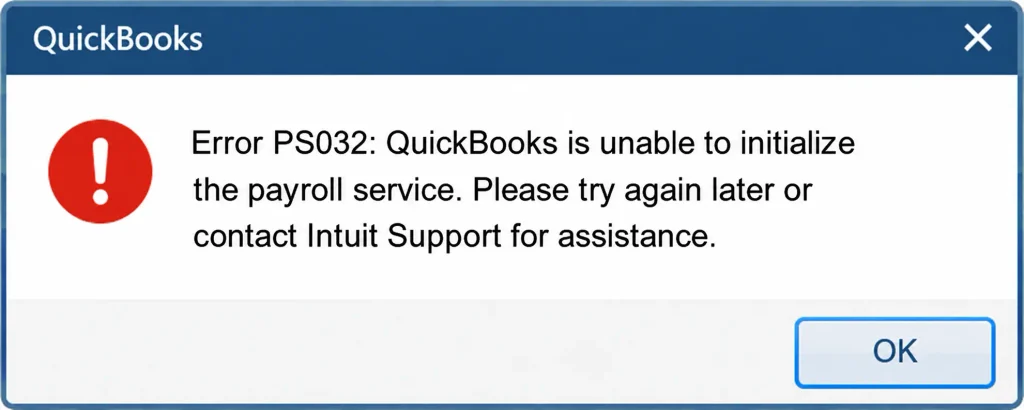
- QuickBooks Error PS032 can appear while downloading payroll updates
- Incorrect payroll service information can prevent the update from completing
- Check the service key and confirm that the payroll subscription remains active
- Restart QuickBooks after correcting the service information
- Download the latest payroll tax table after updating the application
- Check firewall settings when the update continues failing
- Intuit includes PS032 among its payroll update errors requiring subscription and update checks
QuickBooks Error PS036
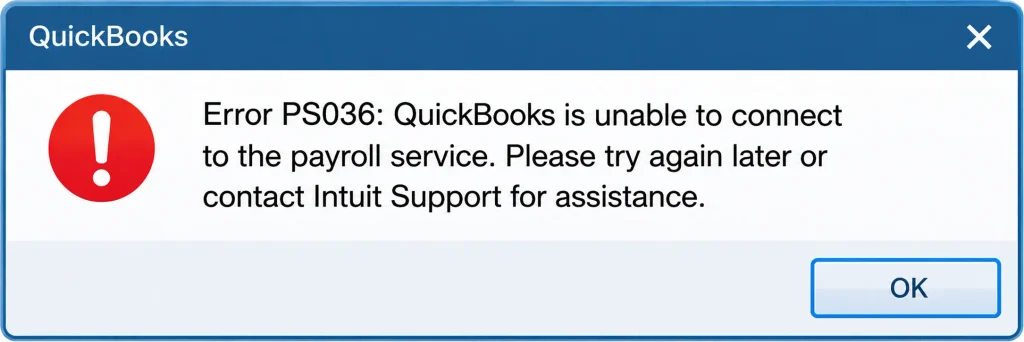
- QuickBooks Error PS036 can occur when QuickBooks cannot verify payroll service information
- An incorrect service key may prevent payroll updates from downloading
- Open Manage Service Key and review the displayed payroll service
- Confirm that the service status shows Active
- Update QuickBooks Desktop before downloading another payroll update
- Check your internet connection if the error continues
- Intuit lists PS036 among common PSXXX payroll update errors
QuickBooks Error PS038
- QuickBooks Error PS038 occurs when paychecks remain stuck with an Online to Send status
- These stuck transactions can prevent payroll from running or tax tables from downloading
- Create a recent company file backup before changing payroll transactions
- Update QuickBooks Desktop to the latest release
- Send payroll or usage data from the My Payroll Service menu
- Use the Send All option to transmit pending payroll information
- Run a data rebuild when stuck transactions continue blocking payroll
- Toggle individual stuck checks when rebuilding the data does not resolve PS038
QuickBooks Error PS060
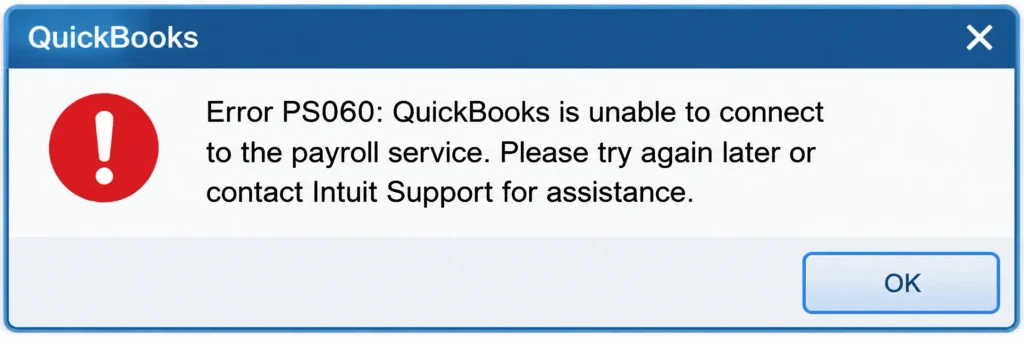
- QuickBooks Error PS060 can interrupt payroll service operations
- The issue may relate to payroll service information or software problems
- Verify your payroll subscription before changing company file settings
- Update QuickBooks Desktop to the latest available release
- Download the latest payroll tax table after updating the application
- Contact QuickBooks Support when the payroll service remains unavailable
QuickBooks Error PS077
- QuickBooks Error PS077 can appear when payroll updates fail to install
- Damaged update files or incorrect payroll information can contribute to the problem
- Verify your payroll service subscription before attempting another update
- Restart the computer after checking the subscription information
- Update QuickBooks Desktop and download the latest payroll tax table
- Run Quick Fix my Program when update problems continue
QuickBooks Error 15270
- QuickBooks Error 15270 can occur when a payroll update does not complete properly
- Missing update components can prevent QuickBooks from installing required payroll information
- Reset the QuickBooks update settings before downloading the update again
- Install the latest QuickBooks Desktop release
- Download the complete payroll tax table after updating the application
- Repair QuickBooks when missing components continue causing the failure
QuickBooks Error 15223
- QuickBooks Error 15223 can appear during QuickBooks or payroll updates
- Windows security settings may interfere with required update processes
- Check your internet connection before changing Windows settings
- Review security software settings that could block QuickBooks
- Update Windows and QuickBooks before attempting another payroll update
- Run QuickBooks with appropriate permissions when file access causes the failure
QuickBooks Error 15102
- QuickBooks Error 15102 can prevent QuickBooks from downloading payroll updates
- Incorrect download settings may interfere with the update process
- Check whether QuickBooks uses the correct shared download settings
- Confirm that the application has necessary Windows permissions
- Run QuickBooks as administrator when permission restrictions block updates
- Retry the payroll update after correcting the download settings
QuickBooks Error 2107
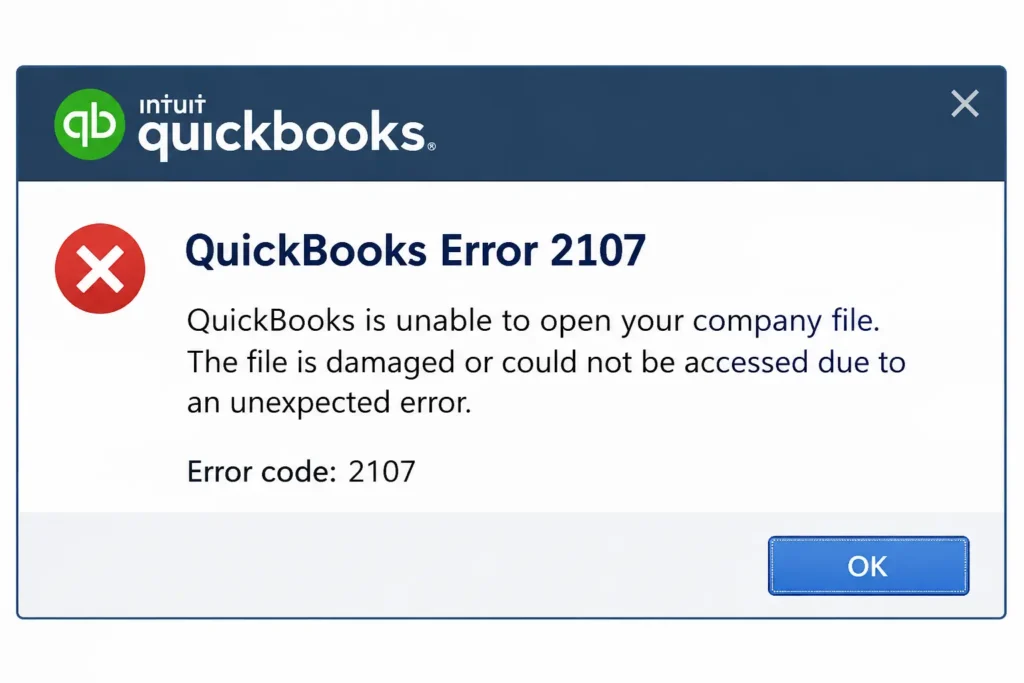
- QuickBooks Error 2107 can affect payroll data transmission
- Internet problems, firewall settings, or incorrect system time can contribute
- Check the computer’s date and time before sending payroll
- Confirm that the internet connection remains stable
- Review firewall settings when QuickBooks cannot communicate with payroll services
- Restart the computer and retry payroll transmission
Why Do QuickBooks Payroll Problems Occur?
QuickBooks payroll problems can happen because of software, account, network, or payroll configuration issues.
Common causes include:
- Outdated QuickBooks Desktop software
- Incorrect payroll subscription details
- Damaged payroll update files
- Firewall restrictions
- Unstable internet connections
- Incorrect computer date and time
- Incomplete payroll transactions
- Incorrect employee payroll settings
- Outdated payroll tax tables
- Damaged QuickBooks program components
How to Identify QuickBooks Payroll Issues
Finding the exact error message should always come before applying a repair. Different payroll codes can require completely different troubleshooting steps.
- Note the complete error code shown by QuickBooks
- Record the task being performed when the problem appeared
- Check whether the issue affects one employee or multiple employees
- Identify whether the problem involves updates, payments, taxes, or transmission
- Review recent QuickBooks or Windows changes
- Check whether the payroll subscription remains active
- Create a company file backup before major troubleshooting
QuickBooks Payroll Troubleshooting: Basic Steps
QuickBooks payroll troubleshooting should begin with simple checks before advanced repairs. These steps can resolve several common problems without changing important payroll information.
Check the Payroll Subscription
- Open QuickBooks Desktop and access My Payroll Service
- Select Manage Service Key to review subscription information
- Confirm that the service status shows Active
- Verify the displayed service key
- Correct incorrect subscription information before downloading payroll updates
Update QuickBooks Desktop
- Open the QuickBooks update settings
- Download and install the latest available release
- Restart QuickBooks after completing the installation
- Download the latest payroll tax table
- Test payroll again after the update finishes
Check the Internet Connection
- Test your internet connection outside QuickBooks
- Restart the router when the connection remains unstable
- Review firewall settings that could block payroll communication
- Check security software for blocked QuickBooks processes
- Retry payroll after restoring stable connectivity
Run Quick Fix my Program
- Close QuickBooks and your company file
- Open QuickBooks Tool Hub
- Select Program Problems
- Choose Quick Fix my Program
- Reopen QuickBooks after the repair completes
- Download the payroll update again
Intuit recommends Quick Fix my Program as part of troubleshooting certain payroll update errors.
QuickBooks Payroll Processing Error: What to Check
A QuickBooks payroll processing error can affect paycheck calculations, employee payments, or tax amounts. The cause may involve employee setup, payroll items, wage limits, tax rates, or outdated tax tables.
Check Employee and Payroll Information
- Review the employee profile connected with the incorrect paycheck
- Confirm the employee’s pay rate and payroll items
- Check deductions and benefit information
- Review federal and state tax settings
- Verify year-to-date amounts when applicable
- Run a payroll summary report to identify incorrect calculations
Intuit recommends identifying the affected employee and tax before troubleshooting incorrect paycheck calculations.
Review Tax Rates and Wage Limits
- Confirm applicable federal and state tax rates
- Check whether an employee reached a wage limit
- Review state unemployment insurance settings
- Compare current payroll calculations with previous records
- Correct inaccurate payroll items before processing another paycheck
QuickBooks Desktop Payroll Error: Common Solutions
A QuickBooks Desktop payroll error can involve installed program files, Windows permissions, update components, or local security settings. Desktop users should check the software environment before changing company data.
Resolve File and Permission Problems
- Run QuickBooks as administrator when file permissions cause errors
- Check whether Windows security settings restrict QuickBooks
- Update QuickBooks before performing additional repairs
- Create a company file backup before advanced troubleshooting
- Use QuickBooks Tool Hub when program problems continue
Intuit recommends running QuickBooks as administrator for certain payroll file access errors.
QuickBooks Online Payroll Error: What to Check
A QuickBooks Online payroll error can involve browser settings, account access, internet connectivity, or payroll service availability. The troubleshooting process differs from Desktop because QuickBooks Online operates through an online environment.
Check Online Payroll Access
- Confirm that your internet connection works properly
- Sign out and sign back into QuickBooks Online
- Check your browser for pending updates
- Clear temporary browser data when pages fail to load
- Confirm that your payroll subscription remains active
- Check for service interruptions when payroll functions become unavailable
Other QuickBooks Payroll Issues Businesses May Face
Payroll errors can affect more than software updates. Businesses may also encounter calculation, transmission, payment, and reporting problems.
Common Payroll Problems
- Incorrect federal or state tax calculations
- Employee deductions showing unexpected amounts
- Direct deposit transmission failures
- Payroll forms displaying incorrect information
- Paychecks remaining pending
- Payroll updates failing repeatedly
- Employee information not calculating correctly
- Tax tables failing to download
- Payroll data becoming stuck during transmission
- Payroll service connection failures
Intuit notes that incorrect employee setup, tax rates, wage limits, YTD amounts, and outdated tax tables can affect paycheck calculations.
How to Prevent Future QuickBooks Payroll Issues
Regular checks make it easier to identify unusual payroll activity before deadlines.
Follow These Payroll Maintenance Practices
- Keep QuickBooks updated throughout the year
- Download payroll tax table updates when required
- Review employee information after every major change
- Verify payroll tax rates regularly
- Maintain recent company file backups
- Check payroll reports before submitting tax payments
- Monitor payroll subscription status
- Maintain a reliable internet connection
- Review firewall settings after security changes
- Keep employment tax records according to IRS requirements
The IRS requires businesses to keep employment tax records for at least four years.
When Should You Contact QuickBooks Support?
Some QuickBooks payroll issues require additional assistance after standard troubleshooting fails. Businesses should avoid making major changes when they cannot identify the underlying problem.
Contact Support When:
- The same error returns after multiple fixes
- Payroll updates continue failing
- Tax calculations remain incorrect
- Direct deposit transactions cannot process
- Payroll forms show unexpected figures
- Payroll data remains stuck
- Company file problems affect payroll operations
- Standard QuickBooks repair tools cannot resolve the issue
Read More:- Fix QuickBooks Company File Errors
QuickBooks Payroll Error Codes
| Error Code | Common Area | Possible Cause |
| PS032 | Payroll updates | Service or update information |
| PS033 | Payroll updates | CPS file, firewall, or connection |
| PS036 | Payroll updates | Payroll service verification |
| PS038 | Payroll updates | Stuck Online to Send paychecks |
| PS060 | Payroll service | Service or subscription issue |
| PS077 | Payroll updates | Update installation problem |
| 15102 | Payroll updates | Download settings |
| 15223 | Software updates | Security or Windows settings |
| 15270 | Payroll updates | Missing update components |
| 2107 | Payroll transmission | Connection or system settings |
The exact cause can vary by system and payroll setup. Always check the complete error message before choosing a repair.
Conclusion
QuickBooks Payroll Errors may affect processes such as payroll updates, paycheck computation, payment of employees, and taxes. The error codes indicate some issue related to the software, payroll data, subscription services, connectivity, or data itself. The firm needs to figure out the code before attempting to choose a solution. Updating, ensuring the accuracy of the data about employees, creating backups, and reviewing payroll may avoid most of the common errors. For additional assistance with payroll-related issues, Accounting Assist Pro can help businesses troubleshoot QuickBooks payroll problems and maintain accurate payroll processes.
Frequently Asked Questions About QuickBooks Payroll Errors
What are QuickBooks Payroll Errors?
QuickBooks Payroll Errors occur when QuickBooks cannot complete a payroll-related task correctly. These errors can affect updates, calculations, payments, tax information, or payroll transmission.
What causes QuickBooks Payroll Errors?
Common causes include outdated software, damaged files, subscription problems, connection failures, and incorrect payroll settings. The displayed error code usually provides the best starting point.
Why is QuickBooks Payroll not working?
QuickBooks payroll not working can result from an inactive subscription, failed update, connection issue, or damaged program component. Check the displayed error before changing payroll settings.
How do I fix a QuickBooks payroll service error?
Start by checking the payroll subscription and service key. Then update QuickBooks and download the latest payroll tax table.
What should I do when QuickBooks payroll issues keep returning?
Record the exact error code and follow the troubleshooting steps for that specific problem. Contact QuickBooks Support when standard solutions fail.
Can QuickBooks payroll problems affect tax filings?
Yes, payroll problems can affect tax calculations, forms, payments, and payroll records. Review payroll reports carefully before submitting required tax information.
What is the best QuickBooks payroll error solution?
The best QuickBooks payroll error solution depends on the specific error code and affected payroll task. Avoid using unrelated fixes without identifying the actual cause.
How can I resolve a QuickBooks payroll system error?
Start by recording the error message and checking your payroll subscription. Then update QuickBooks, verify your connection, and use the appropriate repair tool.